
Simple. Good. Affordable.
AF SYNC / NATIVE MAC APPFind the right font.
Find the right font.
Sync it instantly.
AF Sync connects discovery, detailed type inspection, account access, and font registration in one focused workspace built around the Affordable Fonts catalog.
CURRENT NATIVE PRODUCTHome library · Top of catalog
See the complete path from discovery to sync.
Browse, filter, inspect, and sync without breaking your flow or juggling files between apps.
Browse
Start with the full library, then narrow the catalog until the right family is the only thing left on screen.
Filter
Open the filter panel, combine classification and personality traits, then close it with your choices still in view.
Inspect
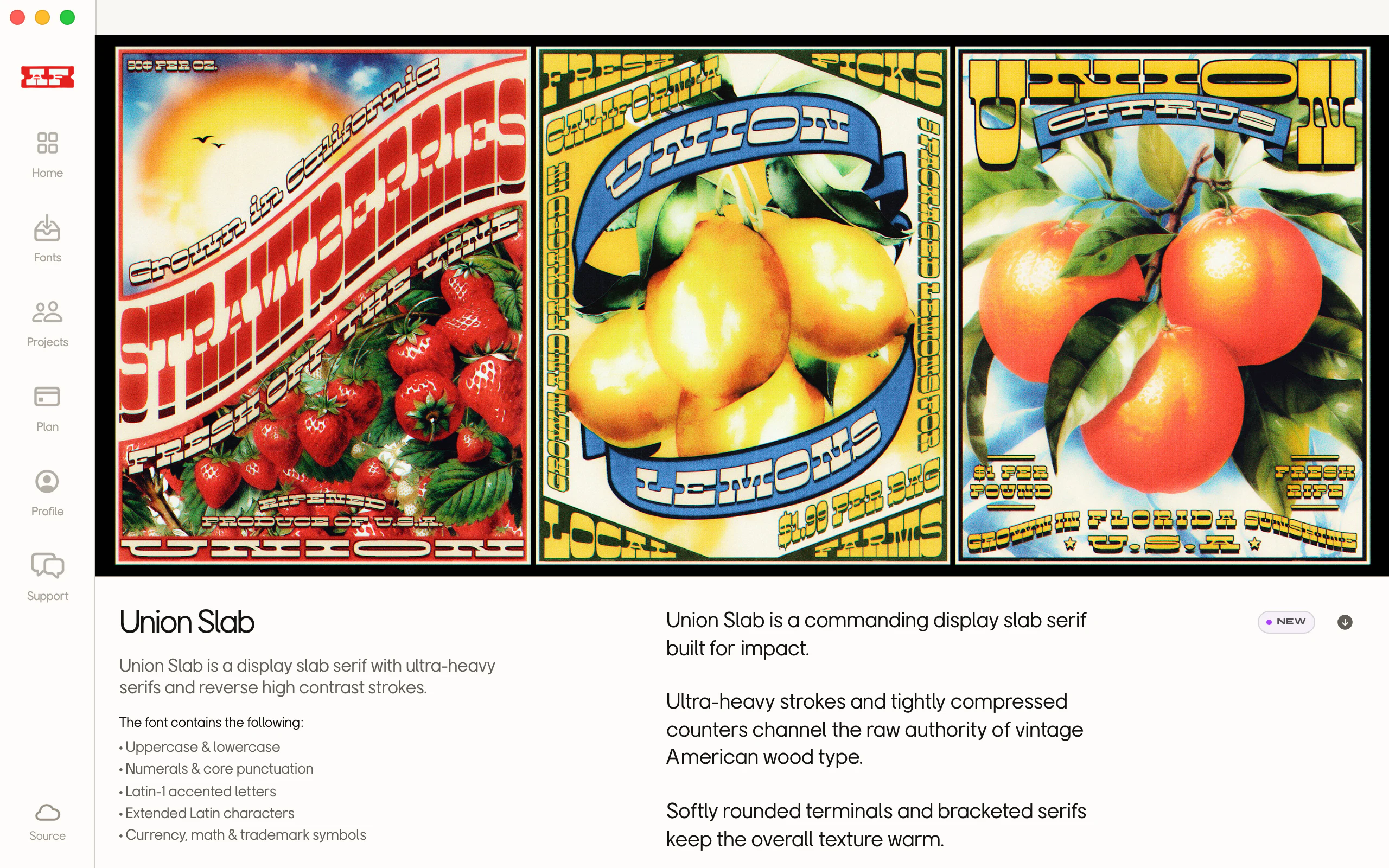
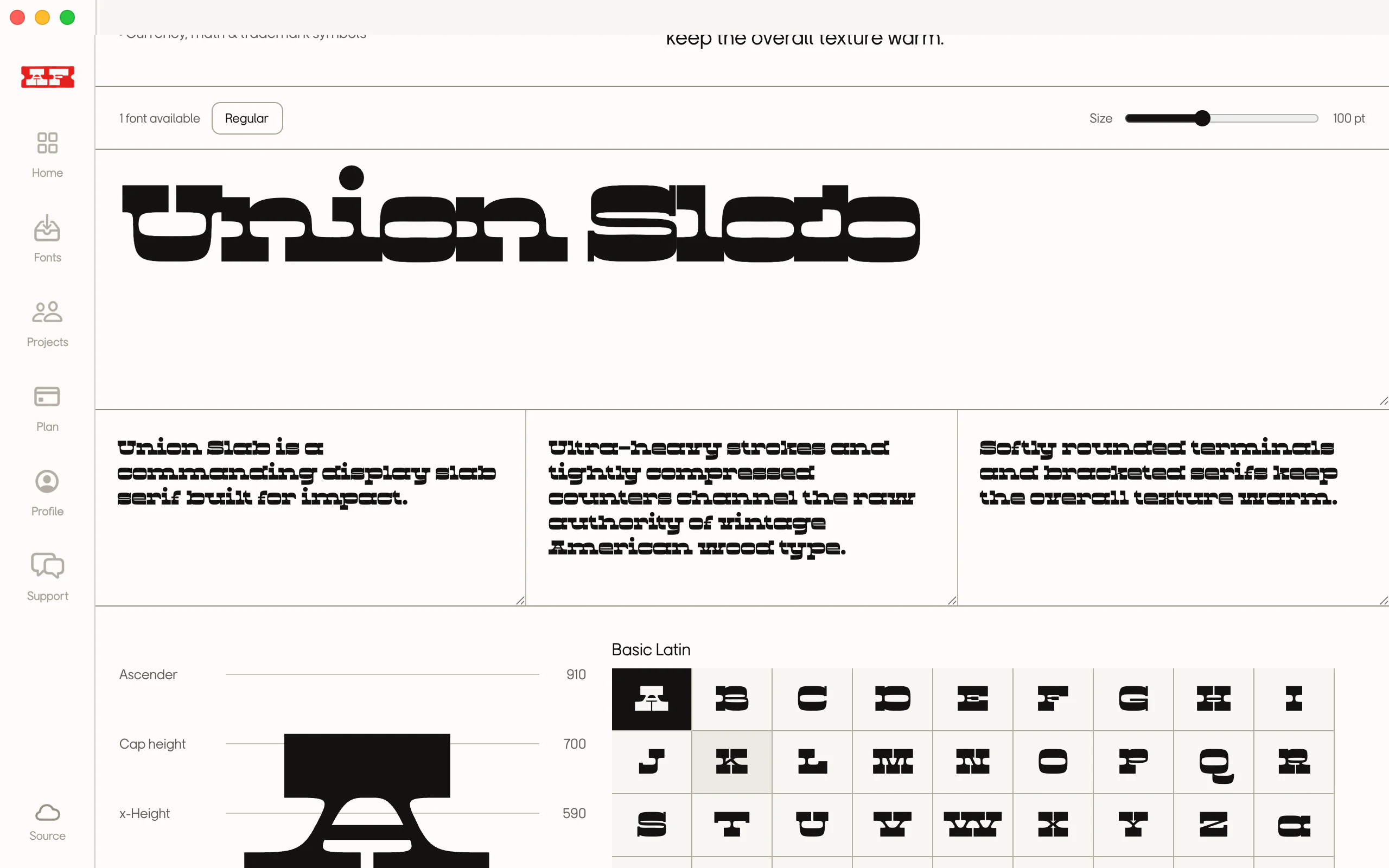
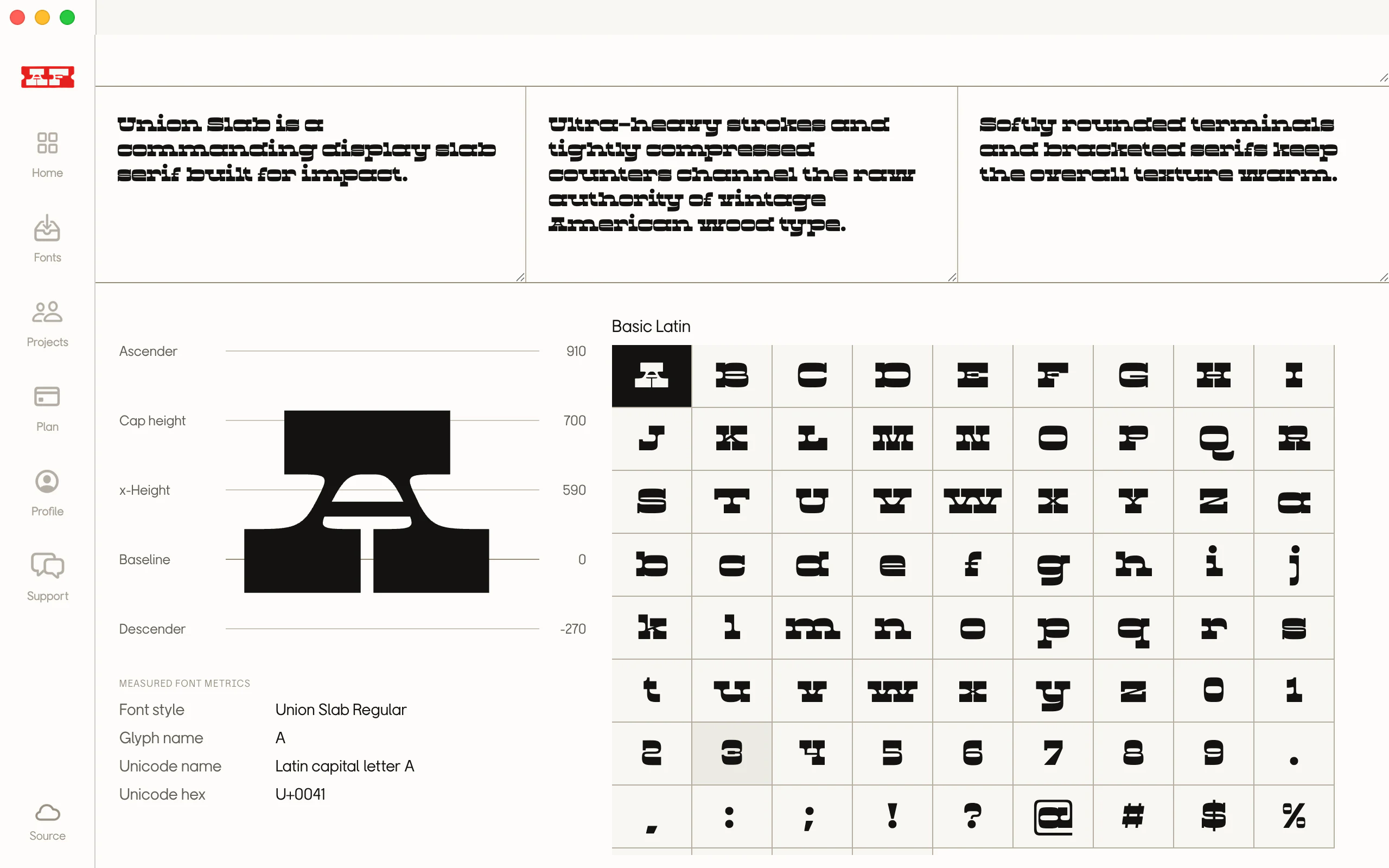
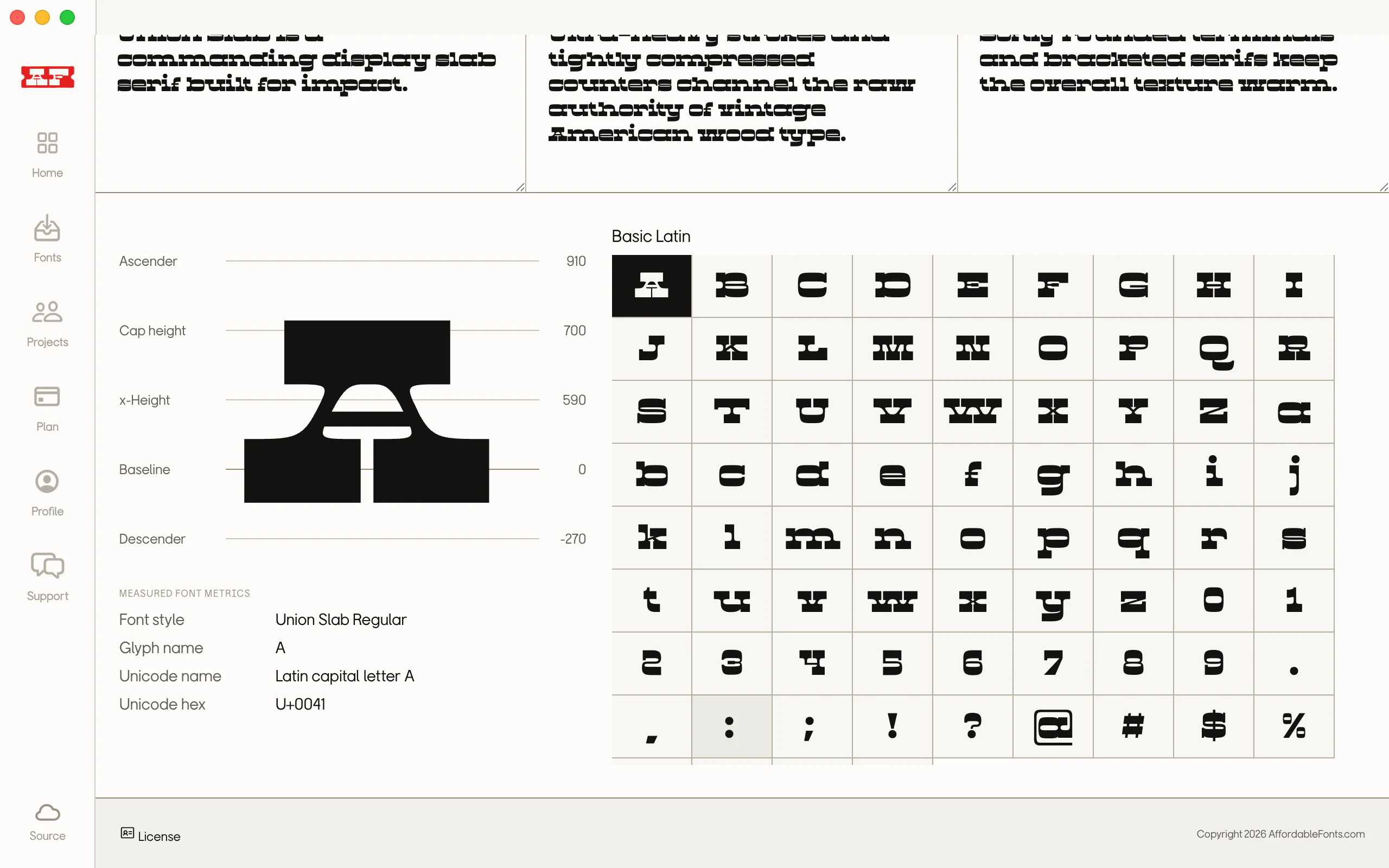
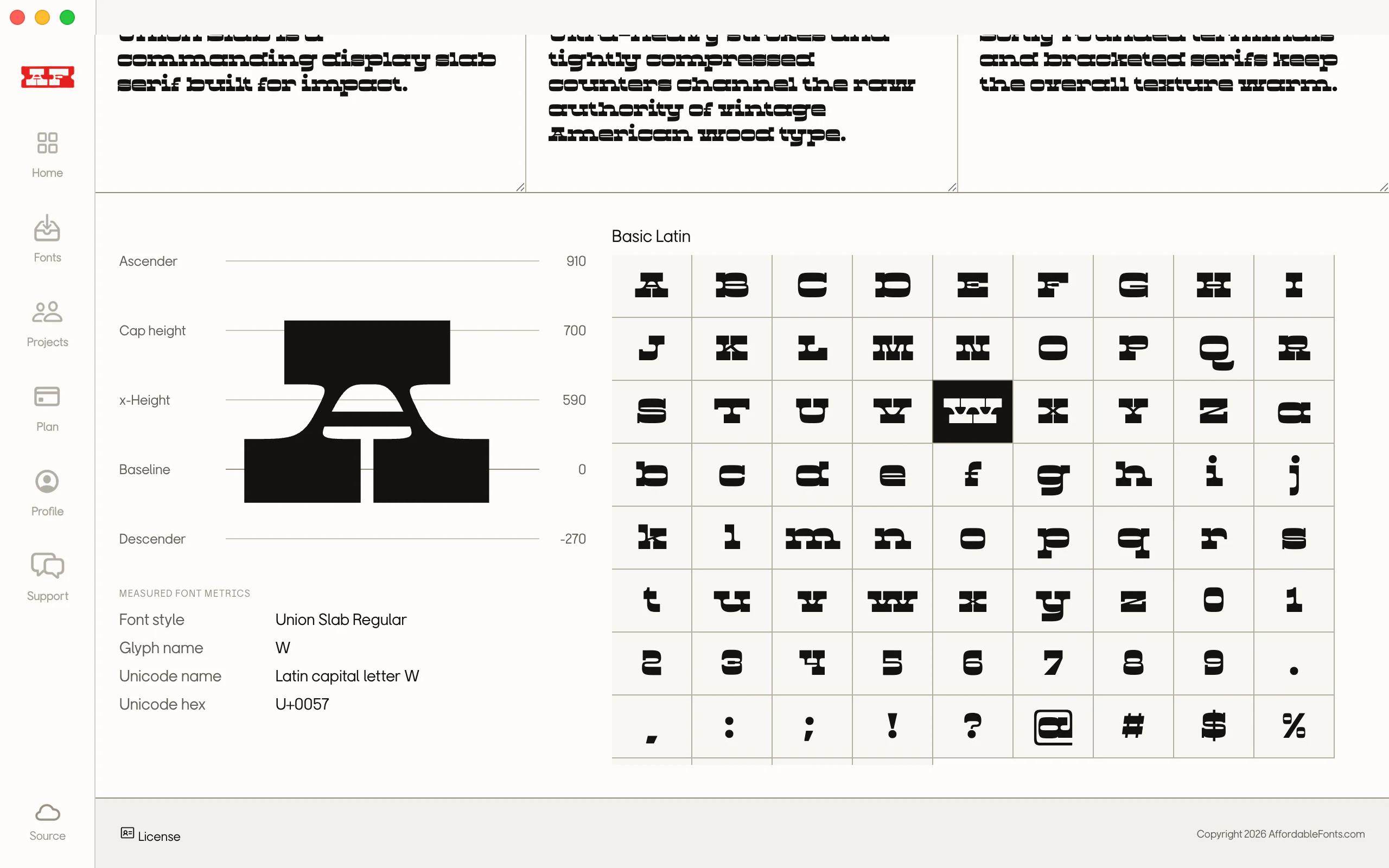
Open Union Slab and move through its overview, live tester, specimen copy, metrics, and complete glyph set.
Sync
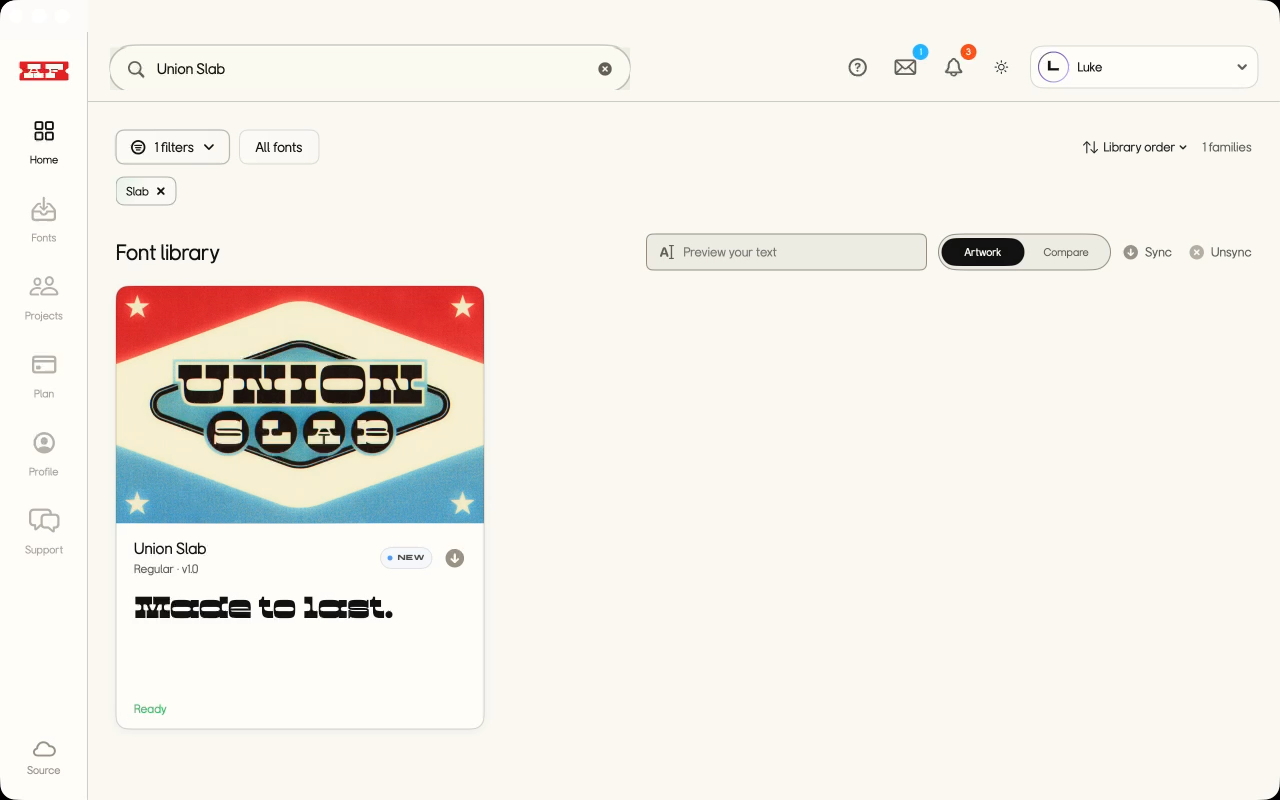
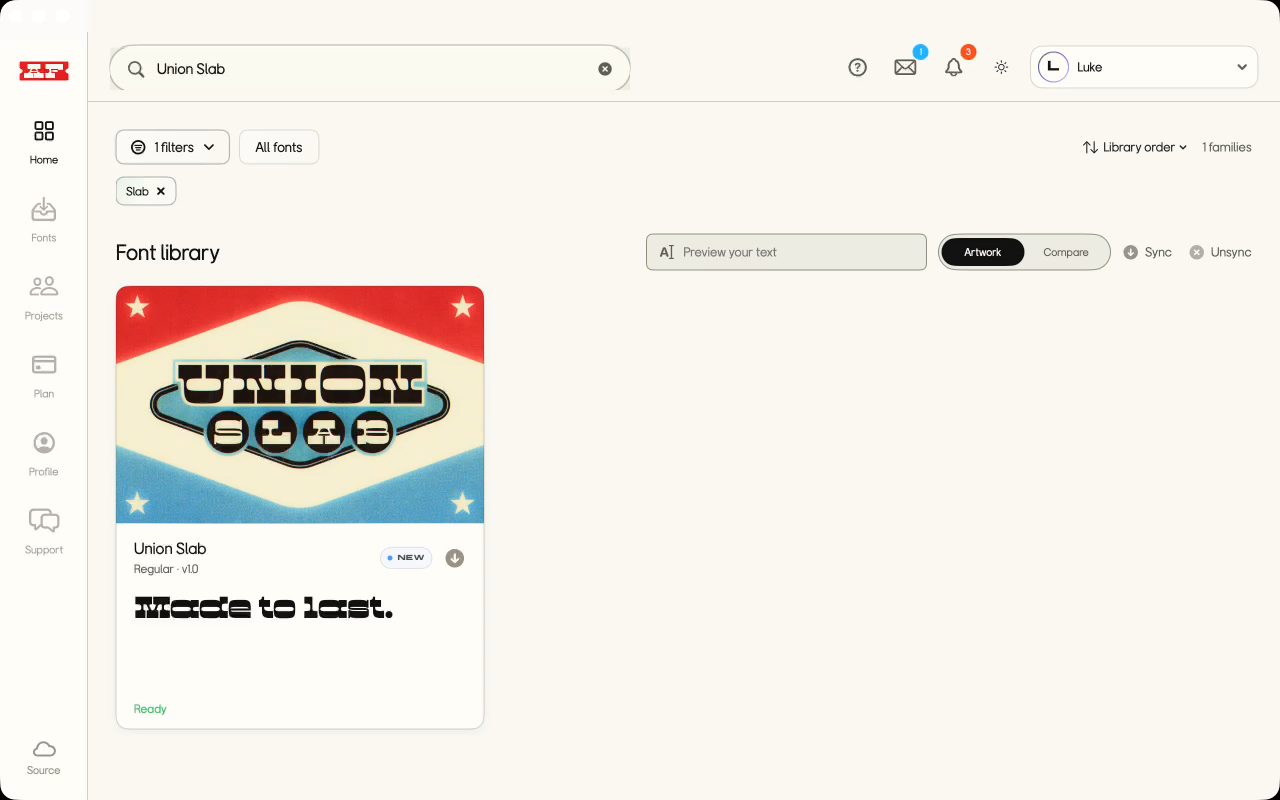
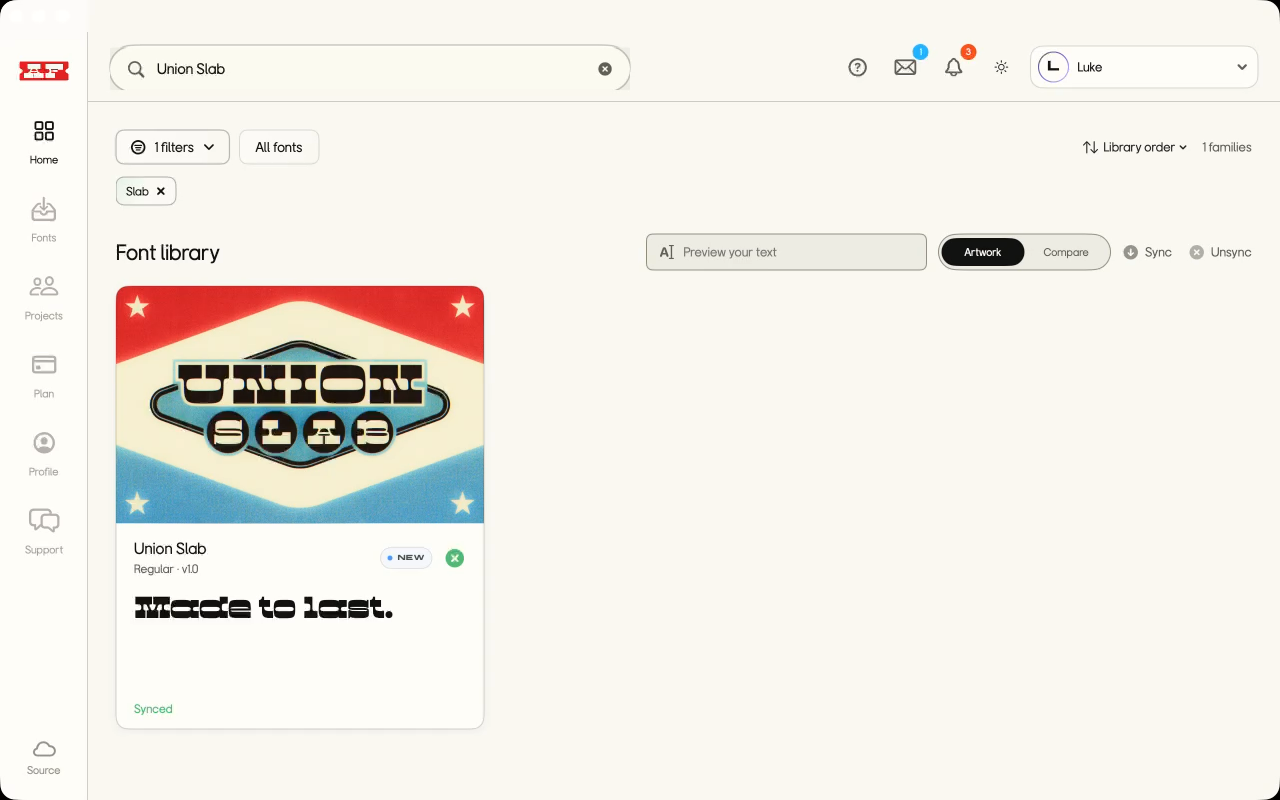
Narrow the library to Union Slab, then hit Sync and watch that one family move from Ready to Synced.
Use Projects to share our synced fonts with your collaborators.
Choose our synced font families, invite the team, and give everyone a direct path from a shared Project to ready-to-use fonts.
Managed seats
Choose 3, 8, or 15 guest seats, then remove access when the collaboration ends. Need more? Contact us for a custom seat count.
Focused font sets
Keep up to five shared font families in each Project, so everyone works from the same approved set.
Ready in an instant
Collaborators open the project and sync its shared families straight to their Mac. No loose files or setup handoff.
Invite collaborators into one synced workspace.
Share Affordable Fonts’ synced families with the people on your project, without sending font files around.
COMING SOON
AF Sync, the native font manager for Mac, is coming soon.
We’ll email you when the native Mac app is ready.